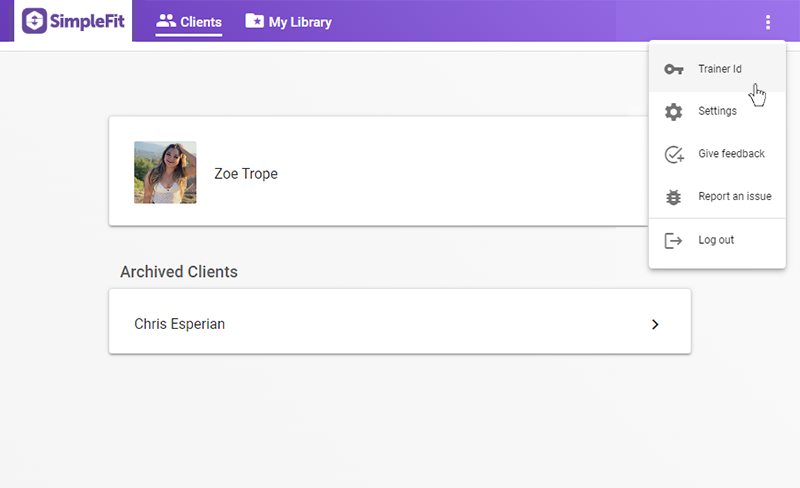
To add a client you will need to give them your unique SimpleFit trainer id. This can be found in the dropdown menu at the upper right corner of your dashboard.
(You can also find the option to view your trainer id in the Settings page under your Trainer profile.)
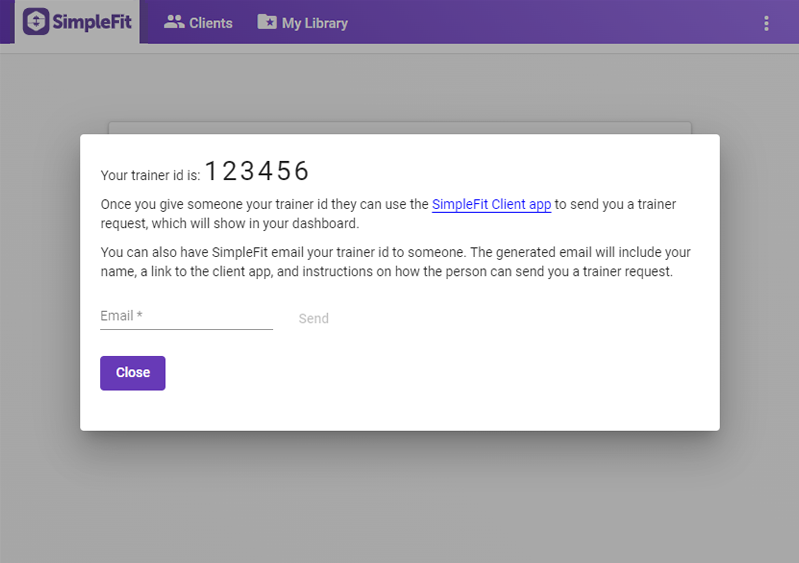
In the pop up you can find the id to provide to your prospective client. If you know their email address you can have SimpleFit automatically send an email containing your trainer id, a link to download the app and instructions on how to send you a client request.
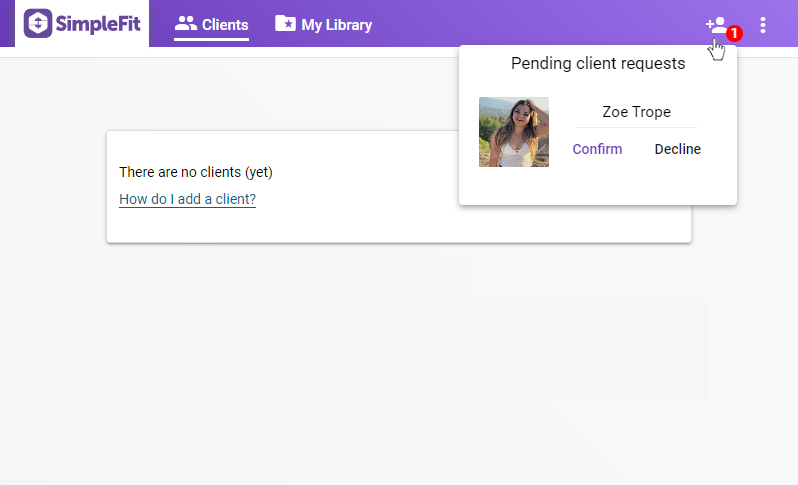
After a user sends you a trainer request, an alert will show in the upper right corner of your dashboard. If you click on the alert icon a dropdown will show with the option to approve (or deny) the request. Approving the request will set the person as an active client.