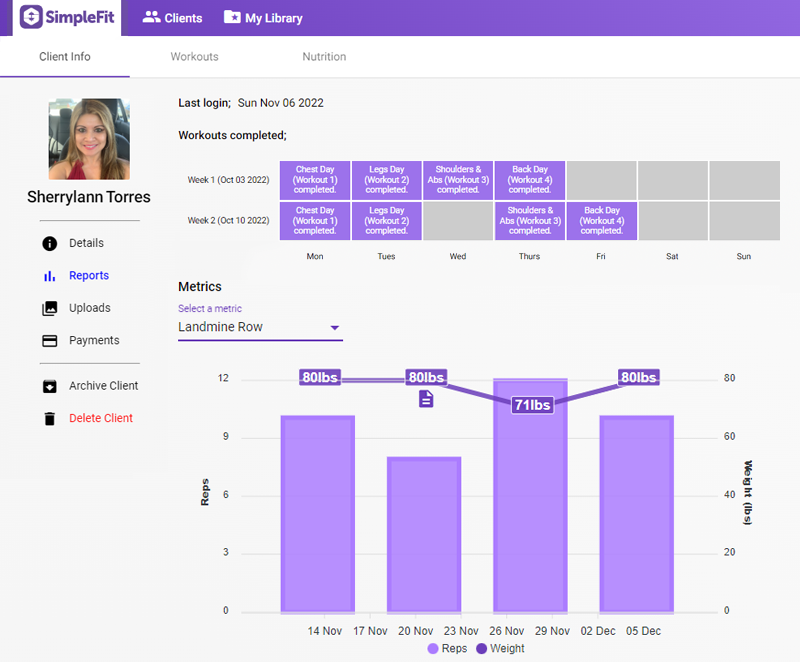
The client Reports page shows which workouts the client has checked off as complete, as well as displays progress metrics a client has entered for individual movements over time.
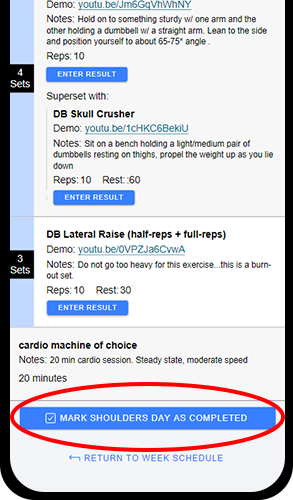
Workouts completed: Clients can mark workouts as complete when their workout program start & end dates are set.
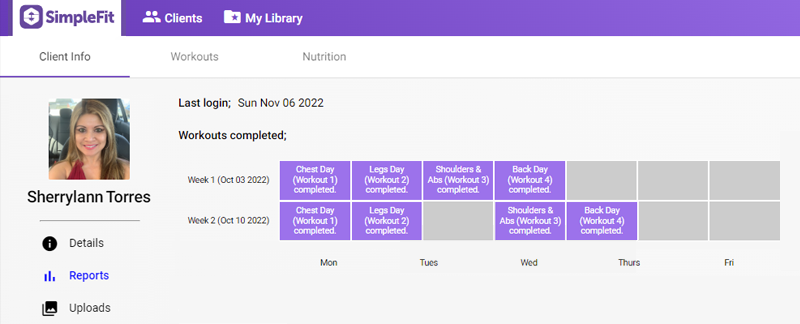
From your dashboard main page, click on a client's name and then chose 'Reports' to see the last time they logged into the SimpleFit client app and which workouts they marked as complete.
Information on how to set workout program dates can be found here.
Please note that changing dates during the program will remove all recorded workout reports for that client.
Client metrics: Clients have the option to enter notes and/or weight & repetition information for an exercise using the Enter Result button for individual strength exercises.
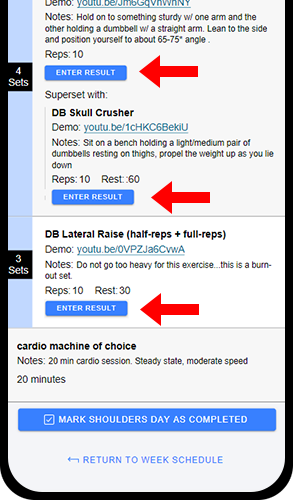
This information is sent to your dashboard where it can be viewed using the 'Select a metric' dropdown (if your client has not entered any metrics yet this dropdown will not be available).
Once you have selected a metric the resulting chart will display repetitions as vertical bars and the weights used in white labels.

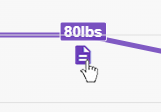
If your client included notes, an icon will display by the weight labels. When clicked, an alert will show the full client note.
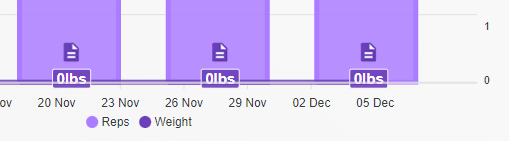
Please note; if a client has not entered any weight information for an exercise (for example, a bodyweight movement) the weight will equal '0' and simply display as a flat line at the bottom of the chart.