JecdwW7ITrs
You can create a new workout program in 2 ways;
- As a library item. Your library has a Week Workout Routines category that lets you build and save workout programs that can later be used for clients.
- For a client. From your dashboard main page you can click on a client's name and then click on the Workouts tab to begin building a workout program for that client.
(The screenshots below are from the Workouts tab.)
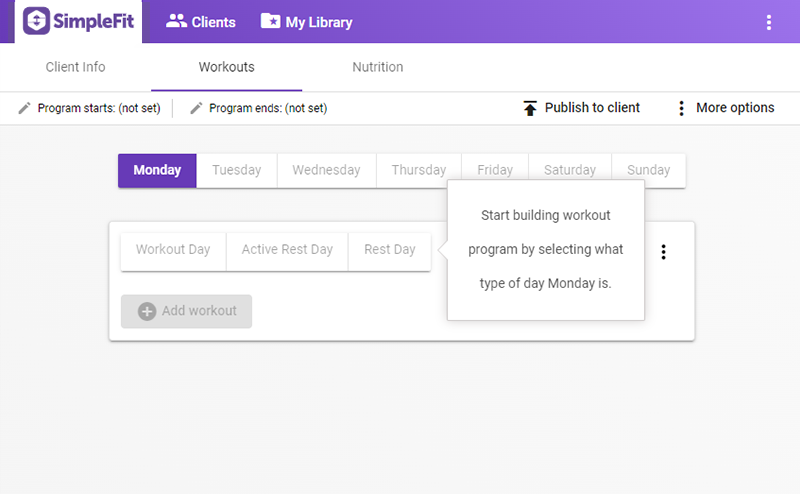
New clients start with an empty workout program and meal plan. Workout program days do not contain any workouts, notes, or even a label as to what kind of day it is (workout day, active rest day or rest day).
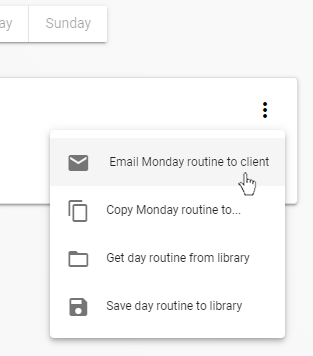
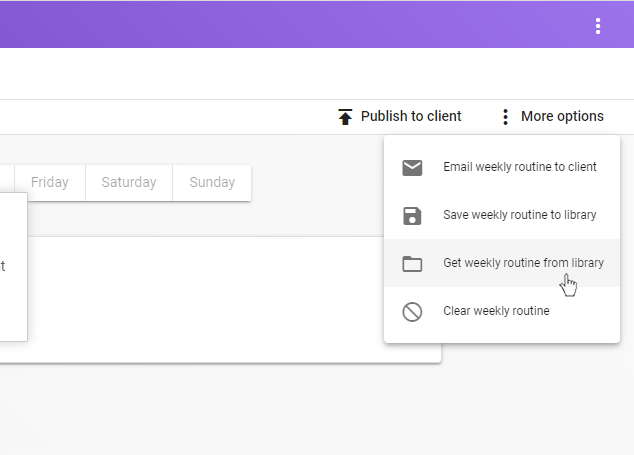
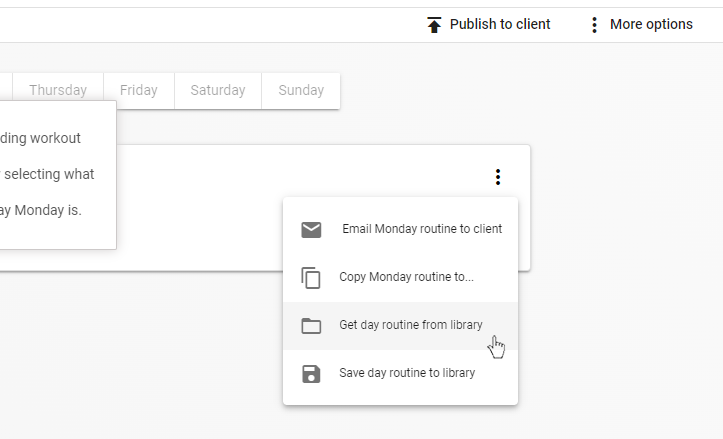
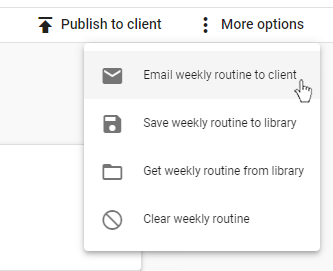
At this point if you have a workout program or day routine already saved in your library you can copy them into the client's currently empty program by choosing 'More options' at upper right (to get a copy of an entire workout program) or by clicking the 'more' icons on the right side of the current day workout routine (to get a copy of an individual day).
To start building a workout program, click on either the Active Rest Day, Rest Day or Workout Day buttons to designate what kind of day it is. You can only add workouts to days designated as workout days.
(Although it isn't common to do, it is possible to add more than one workout to the same day by clicking the 'Add another workout' button.)
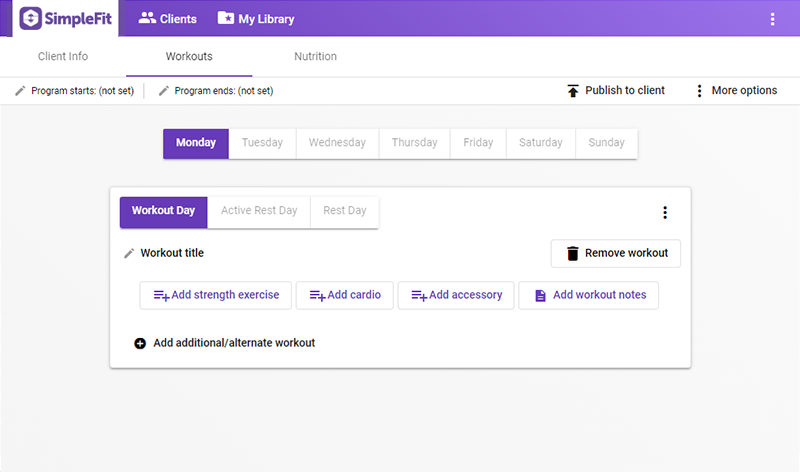
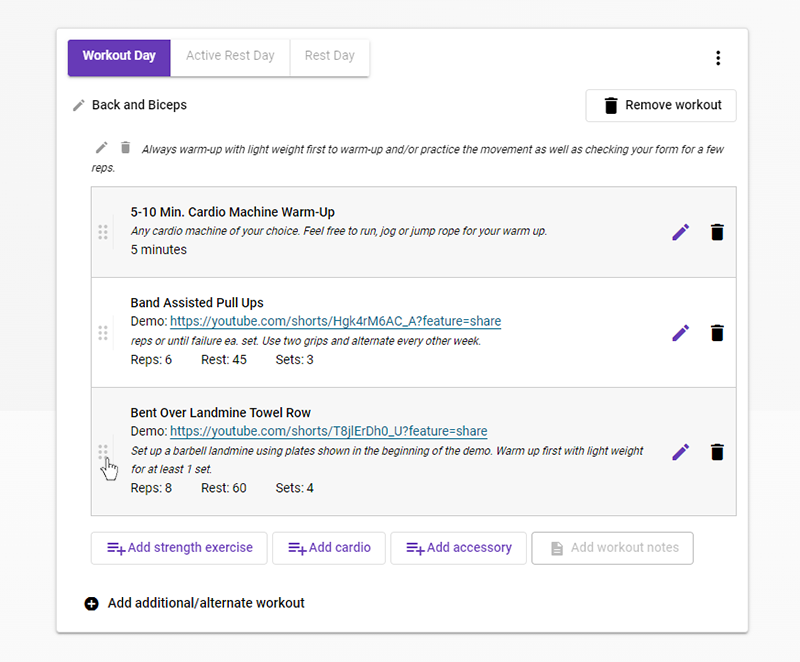
A workout routine consists of strength, cardio and/or accessory movements done in the order you specify. Click on the appropriate button to add these to your workout routine. SimpleFit will automatically save your changes as you make them. The items can be reordered by dragging on the handle icons.
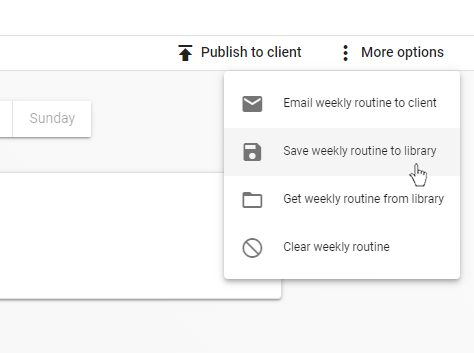
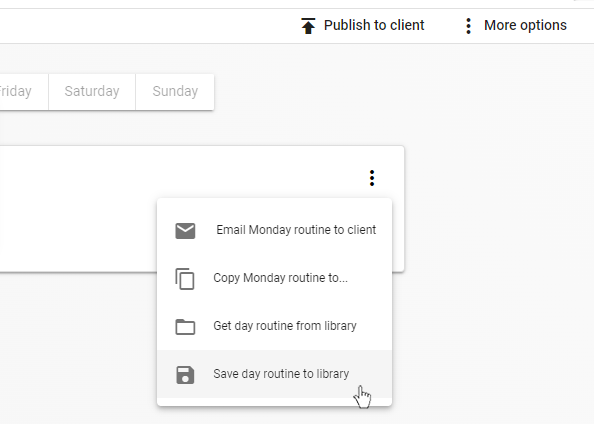
When done you can save the entire workout program or the individual day routines to your library. These options are found under More options (to save the entire workout program) or under the 'more' icon to save the routines for individual days.
You can also choose to set start and end dates for your client's workout program.
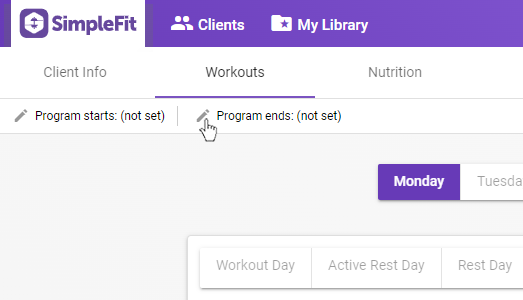
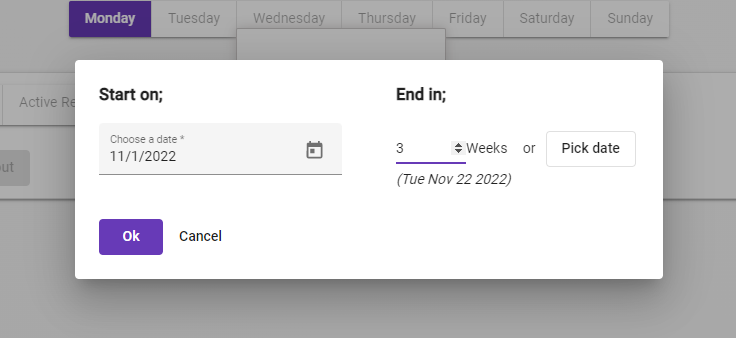
During these dates clients can mark off workouts as completed and enter specific weight/reps done for a strength exercise. This data gets sent to your dashboard for client reporting.
Please note that changing dates during the program will remove all recorded workout reports for that client.
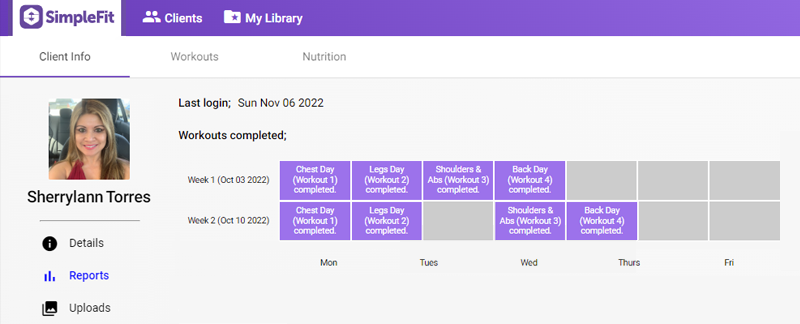
More information on client reporting can be found here.
When you are ready for your client to receive the workout program you created for them, you can send it in one of two ways;
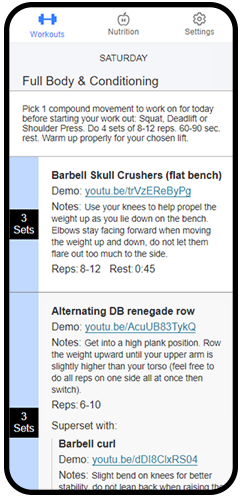
- Publish: By clicking the Publish button, SimpleFit will send a copy of the workout program and the program dates (if you have set any) to the client's SimpleFit app.
- It can then be viewed by the client using the SimpleFit client app.
- Email: Under 'More options' is the choice to have SimpleFit automatically generate a pdf of your workout program and send to the client's email.
- You can also choose to email individual day routines, if needed.